 AI Toolbar
Created by the AI experts supporting leading companies including:




Most team members don't know how to use AI effectively, or get real value from it.
Successes stay isolated and never reach the wider team across the organization.
Even with good AI, employees have to stop their work and switch tools to use it.
It's a browser extension, lightweight and a cinch to install. But under the hood it enables standards, your team, and your whole organization, together.

Team members can work in their Web browser as they always have. The Toolbar simply fuses with the applications they know, instead of trapping or replacing them.
We know you've spent years investing in your AI actions, but you can deploy the Toolbar in a tool that's on hands with your data. Excel, Salesforce, or 100+ pre-builded options and APIs—all click.

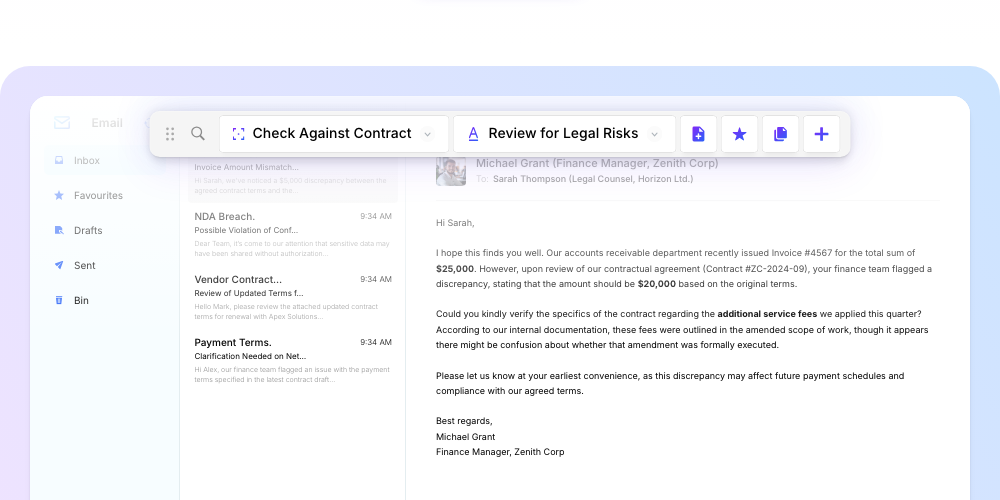
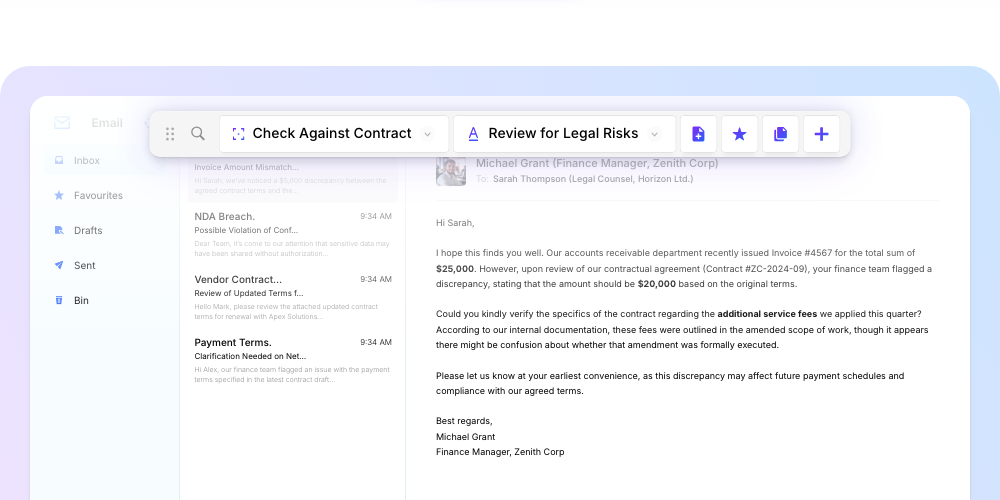
Ensure task descriptions in requests fully comply with your contract terms.
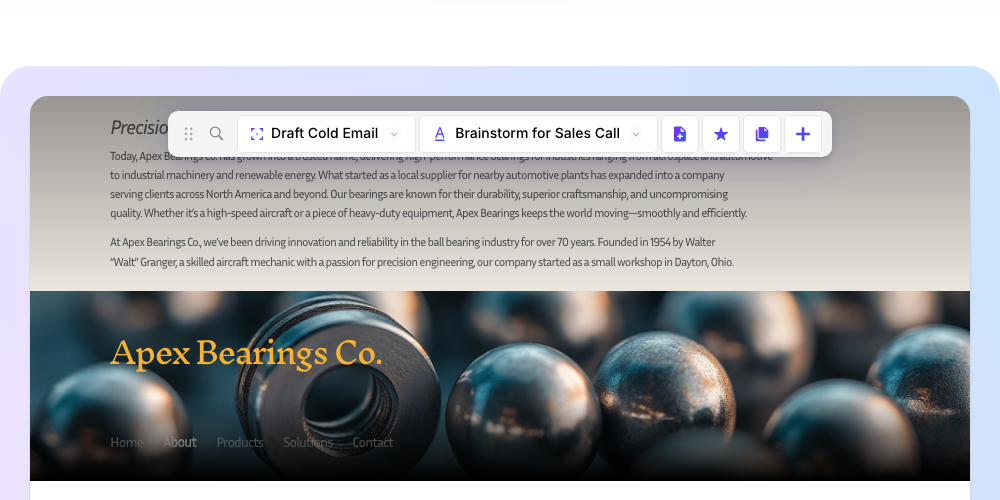
Quickly generate formal letters from simple, complete, or incomplete briefs.
Spot and highlight possible legal issues in any document, agreement and/or signed with red flags.
Customize a standard service agreement using details from your client and workspace.
From social media platforms to documents, tools, messages and email.


It's a cinch to get rolling with all these capabilities.



Your entire team's capabilities are now at the organization's fingertips, with the ability to view and manage who uses all of Toolbar.
With AI capabilities at the reach of employees at every level, your team gets faster, more creative, and more capable than before.
Apply your own standards to every action, and have confidence AI-powered work follows your team's standards, and exports, in your preferred format.
The AI Toolbar is currently in early access. Sign up above to be notified when it's available for your team.
An AI card is a pre-built action that performs a specific task using AI, like drafting emails or reviewing contracts.
Yes! Sign up above to join our Early Access Program and be among the first to use the AI Toolbar.
No. The AI Toolbar is designed so anyone can use AI without technical knowledge.
Yes. Administrators can customize actions and create new ones tailored to your business needs.
Yes. The toolbar is designed for enterprise-wide deployment with role-based permissions.
The AI Toolbar works with any web-based document tool including Google Docs, Office 365, and more.
Features include custom actions, team sharing, analytics, and integrations with popular business tools.
Expertly AI Toolbar